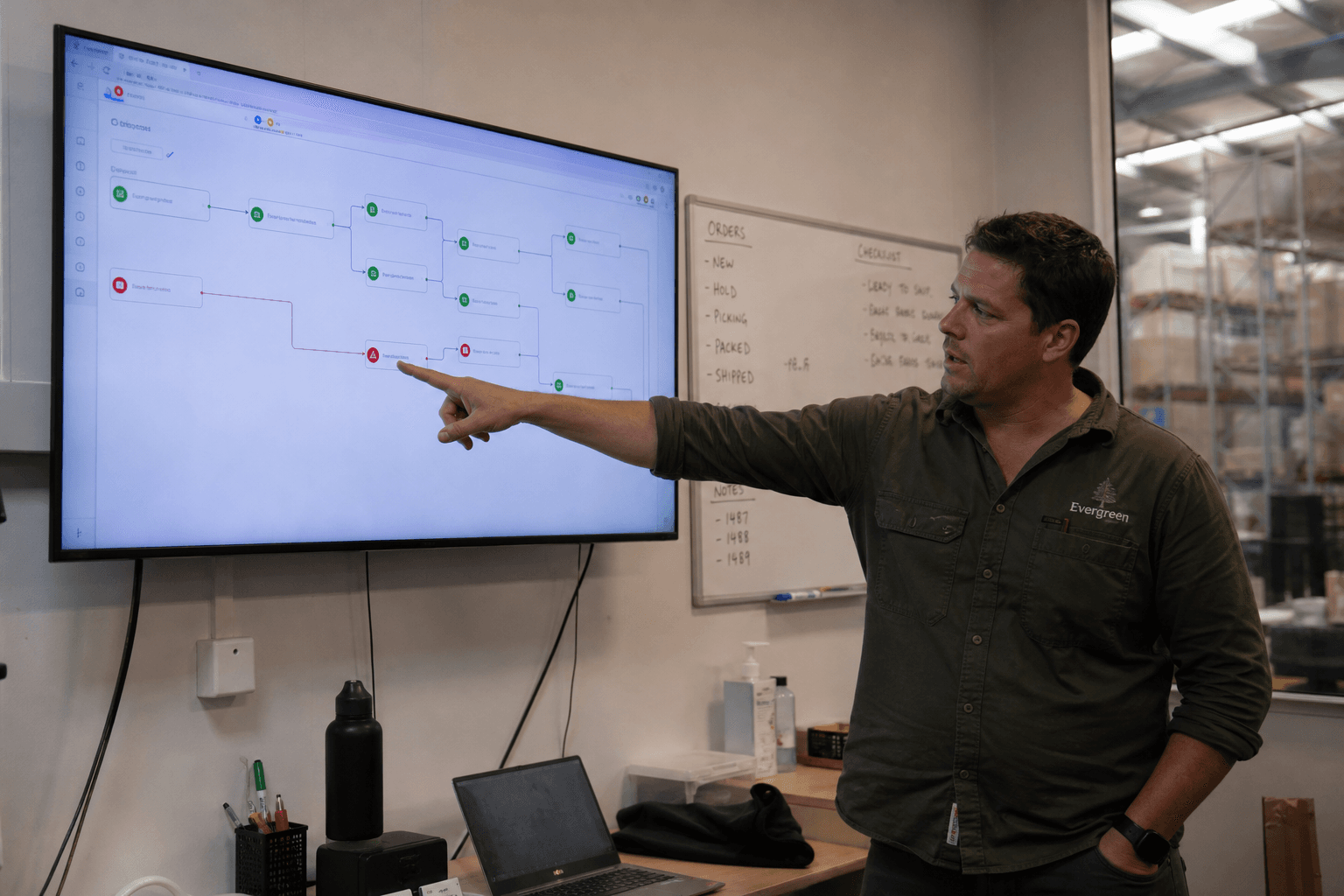
Automation can quietly give a small team hours back every week — or it can become a fragile pile of Zaps nobody understands. The difference is almost always in where you start and how you build it, not which tool you pick.
Start with the painful, repetitive step
Don't automate the most exciting process — automate the one that burns hours and causes errors. Think data re-entry between tools, chasing status updates, or copying form responses into a spreadsheet. Boring, repetitive, and high-volume is exactly right.
Write the current process down first, step by step, including who does what. If your team can't agree on the steps, automation will just encode the disagreement.
Design for failure from day one
Real automations fail sometimes — an API is down, a record is malformed, someone changes a field name. The question is whether the failure is loud or silent. Build in logging, a named owner who gets alerted, and a way to replay missed steps.
A failed step that pings the right person is a minor annoyance. A silent failure that nobody notices for three weeks is a crisis.
Keep ownership in-house
The most common automation regret is a setup only one contractor understands. Insist on documentation: how to pause it, how to change it, and how to escalate. The goal is automation your team can run without calling whoever originally built it.
The short version
Key takeaways
Automate the boring, high-volume, error-prone step first.
Document the human process before wiring anything.
Build in logging, alerts to a named owner, and a replay path.
Demand docs so the automation is yours, not a black box.
Related Websi service